Skip to product information

VIREXA Portable Productivity Monitor

VIREXA Portable Productivity Monitor

Regular price $249.99 USD
Regular price $279.99 USD Sale price $249.99 USD
SAVE 11% Sold out

Stop losing focus every time you switch tabs. One cable. Two screens. Ready in seconds.

Work across two screens without constant tab switching
Keep calls, notes, dashboards and tools visible
Lightweight, portable, and ready in seconds
Secure checkout
  • American Express
  • Apple Pay
  • Google Pay
  • Maestro
  • Mastercard
  • PayPal
  • Shop Pay
  • Visa
Estimated delivery loading...
Free Shipping USA orders
Fast Delivery 3-4 days
1 Year Warranty Full coverage

Why VIREXA?

VIREXA is built around portable productivity: more screen space, less tab switching, and a cleaner workflow from almost anywhere.

Compatibility

Works with compatible Windows, macOS, Linux, iPad USB-C, Android devices with DisplayPort Alt Mode, and supported HDMI devices. For one-cable USB-C use, your device must support USB-C video output.

What is included?

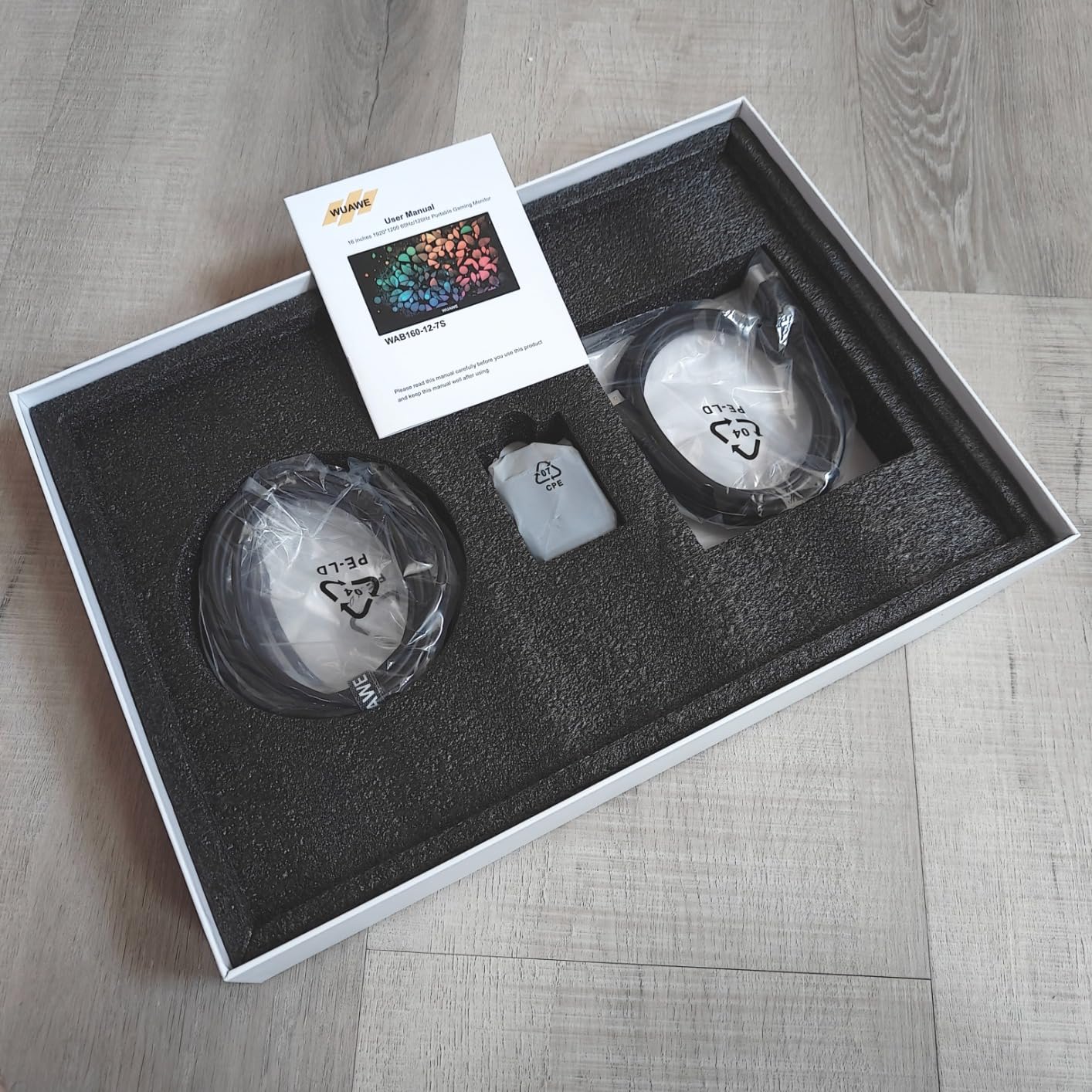
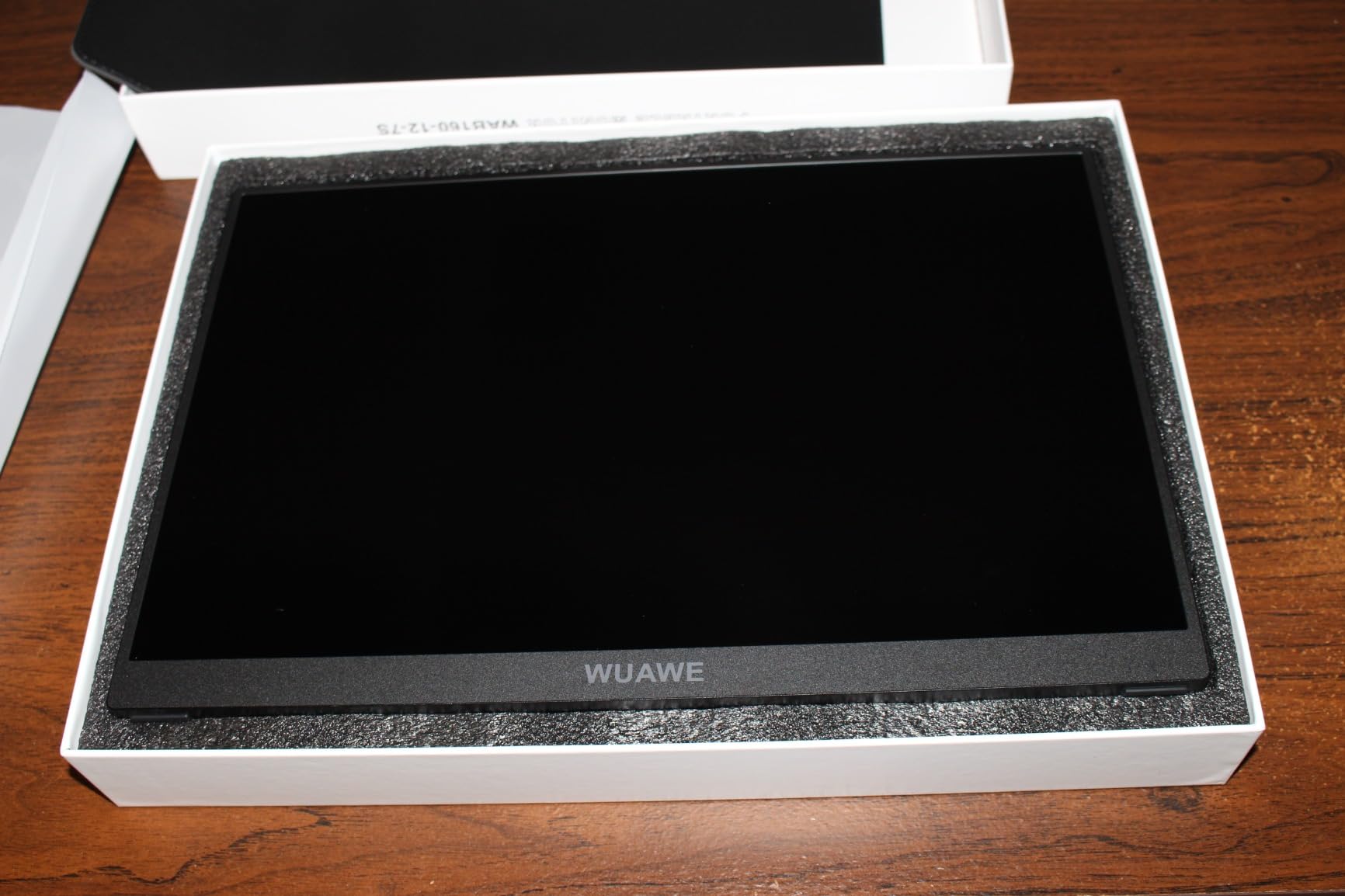
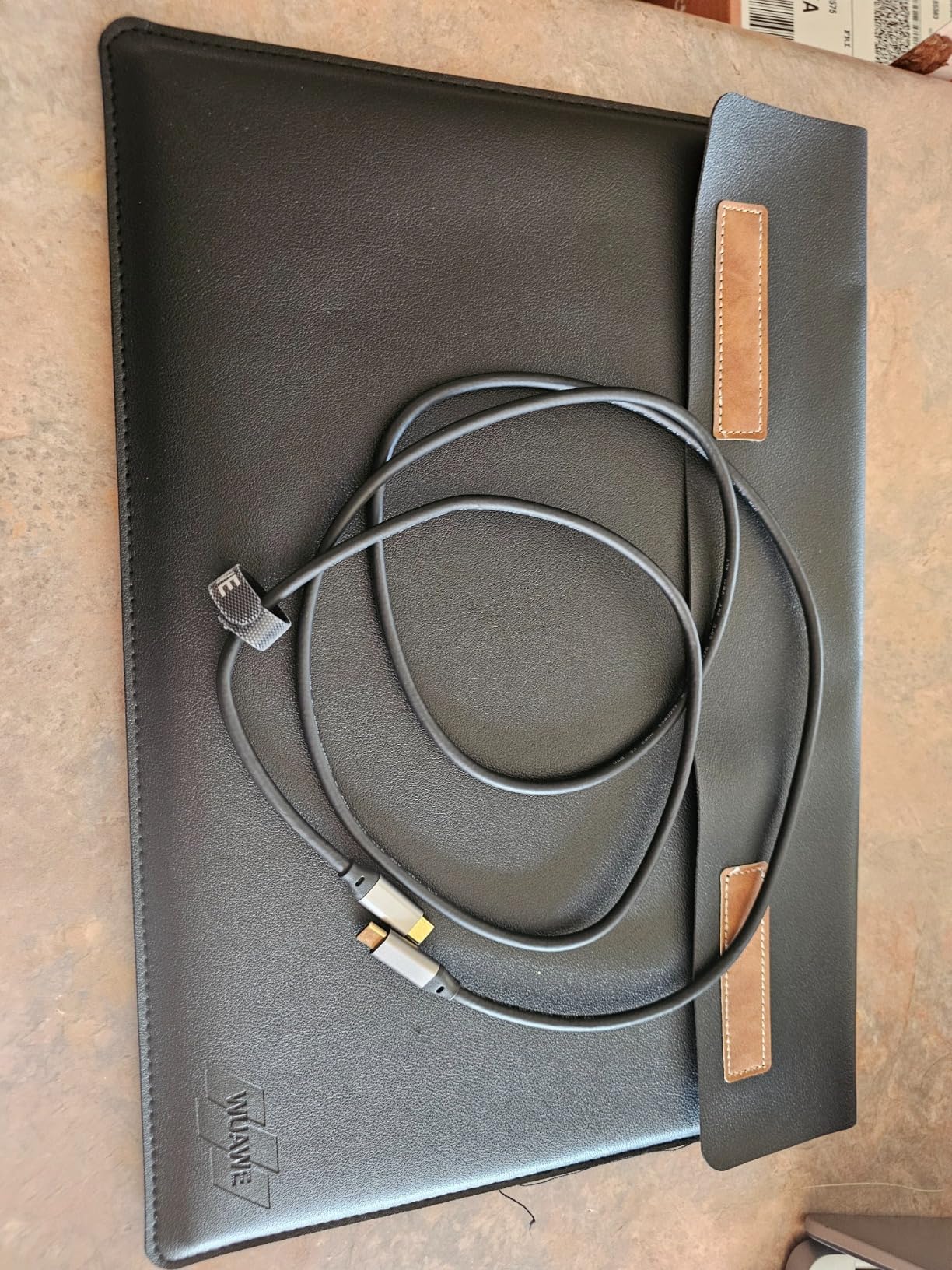
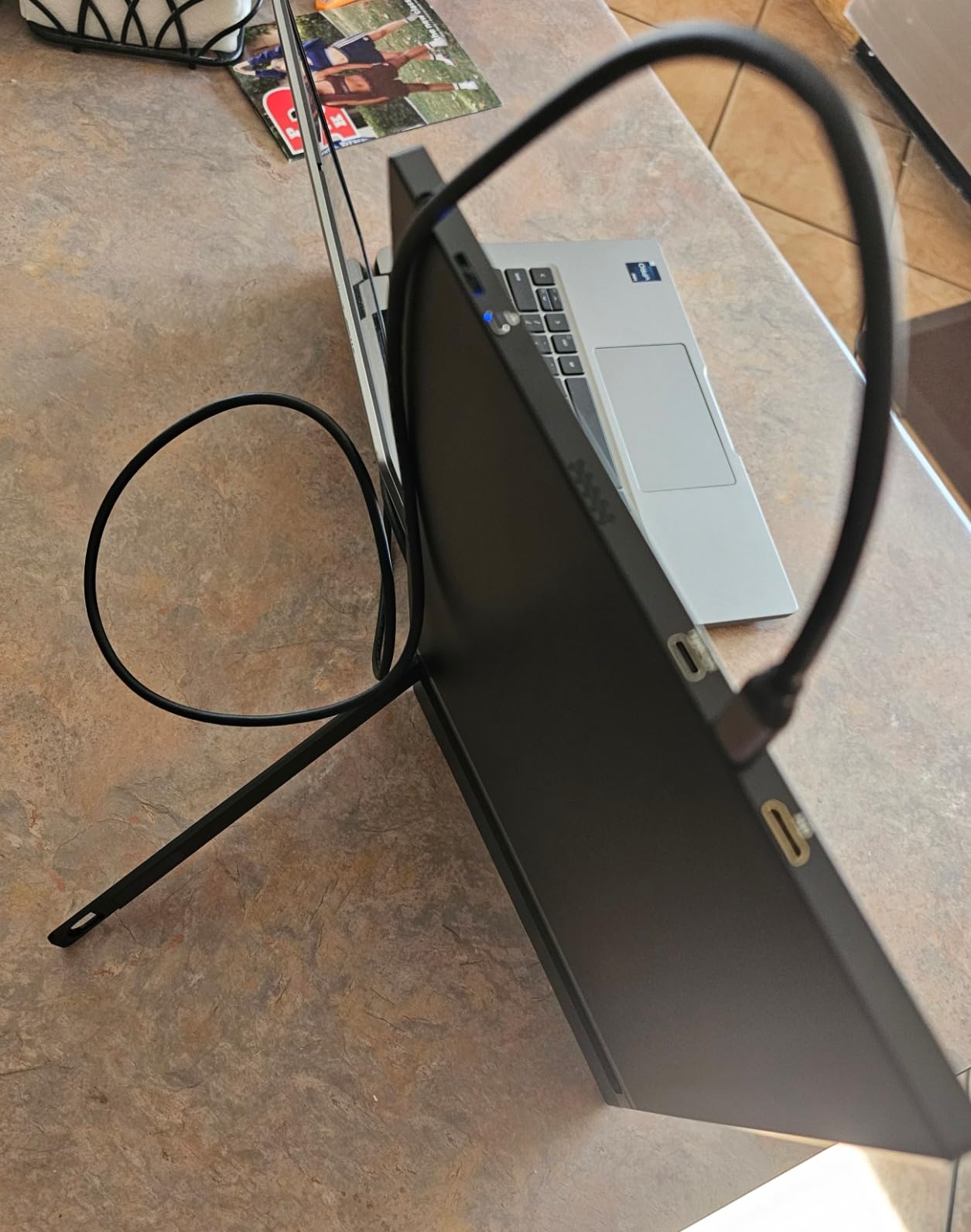
Includes the VIREXA portable monitor, two USB-C cables, one Mini HDMI cable, one USB-A to USB-C cable, power adapter and user manual.

Returns and support

VIREXA includes 12-month warranty coverage and customer support. If you need help with compatibility or setup, contact support before or after your order.

View full details
VIREXA Portable Productivity Monitor

VIREXA Portable Productivity Monitor

 VIREXA Portable Productivity Monitor
Change variant
 
Professional carrying VIREXA portable monitor for business travel

Portable office

Fits into your backpack.

Designed for professionals who need their workspace to travel with them: hotels, coworking spaces, client sites and home offices.

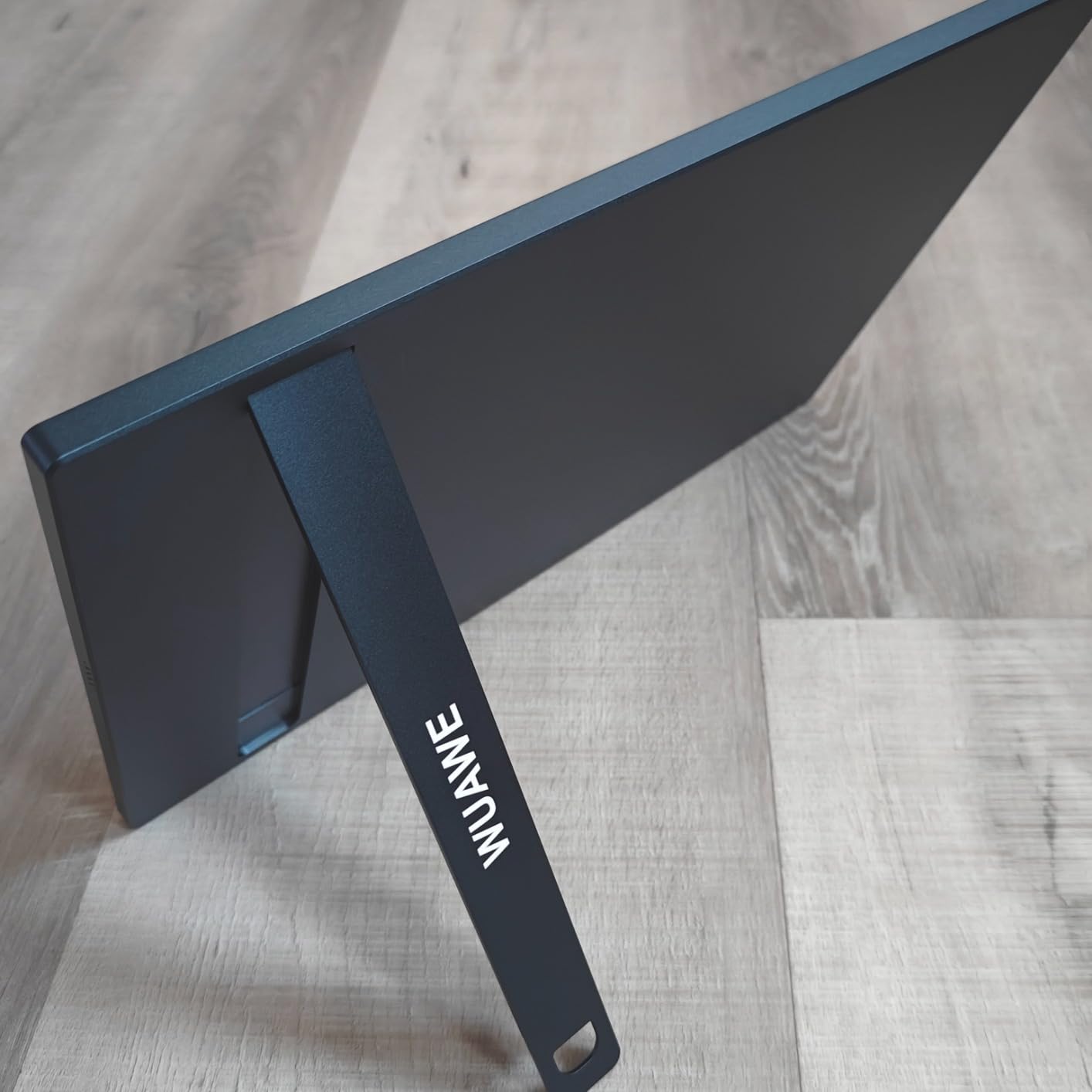
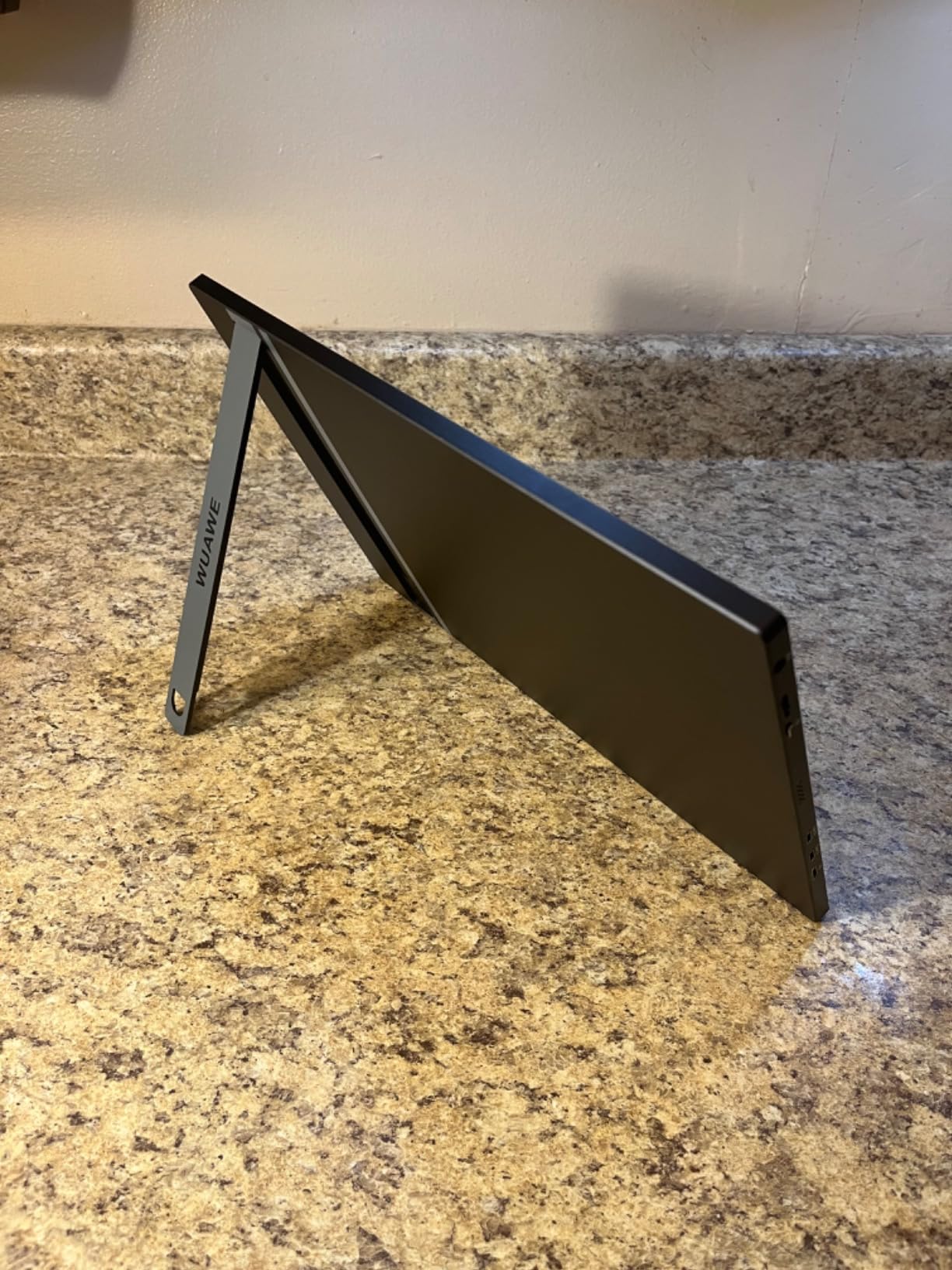
Slim aluminum body

Built to move without extra bulk.

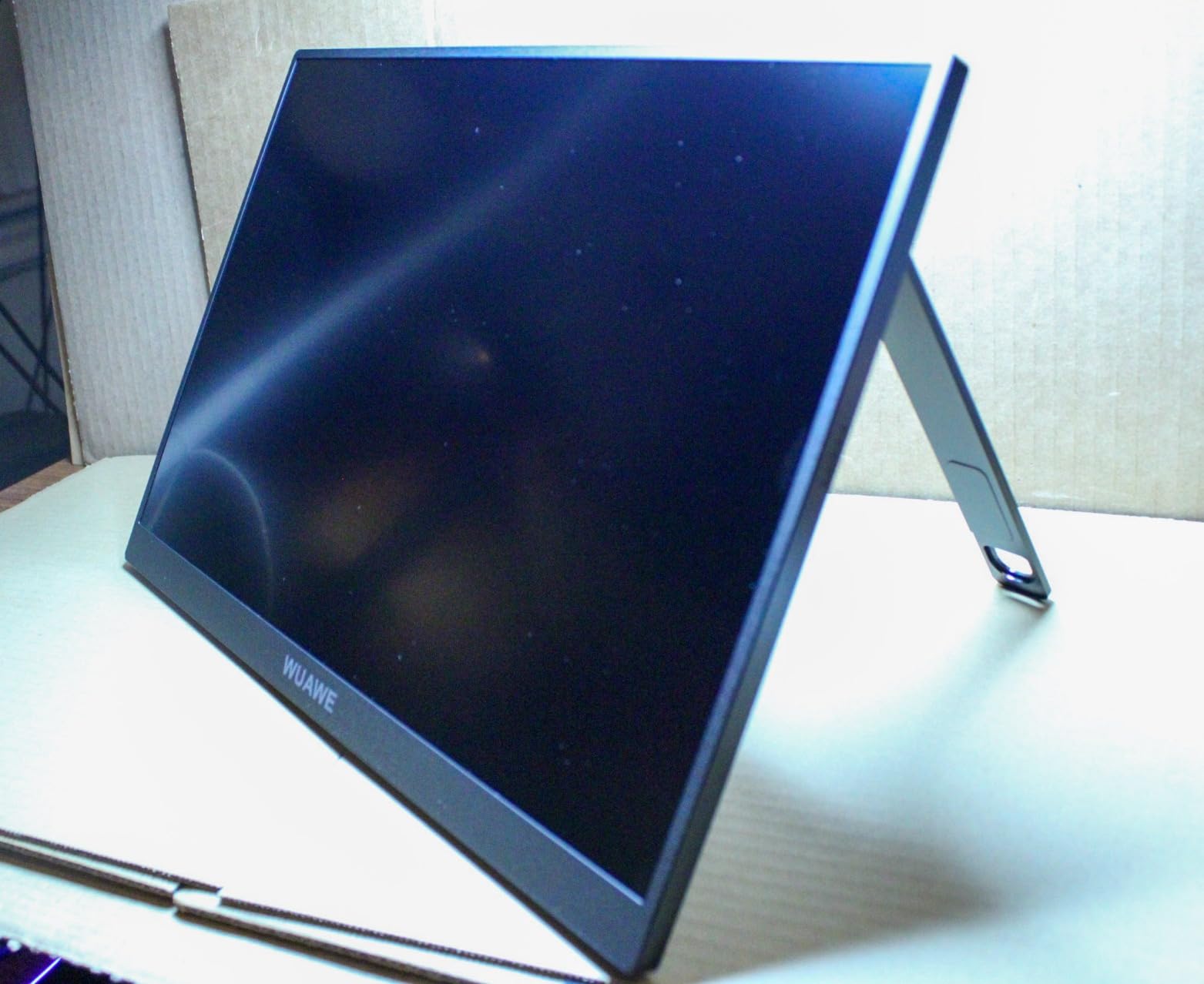
The ultra-slim body, 16-inch display and integrated kickstand make it easy to carry, set up and work without a complicated desk setup.

  • Remote work

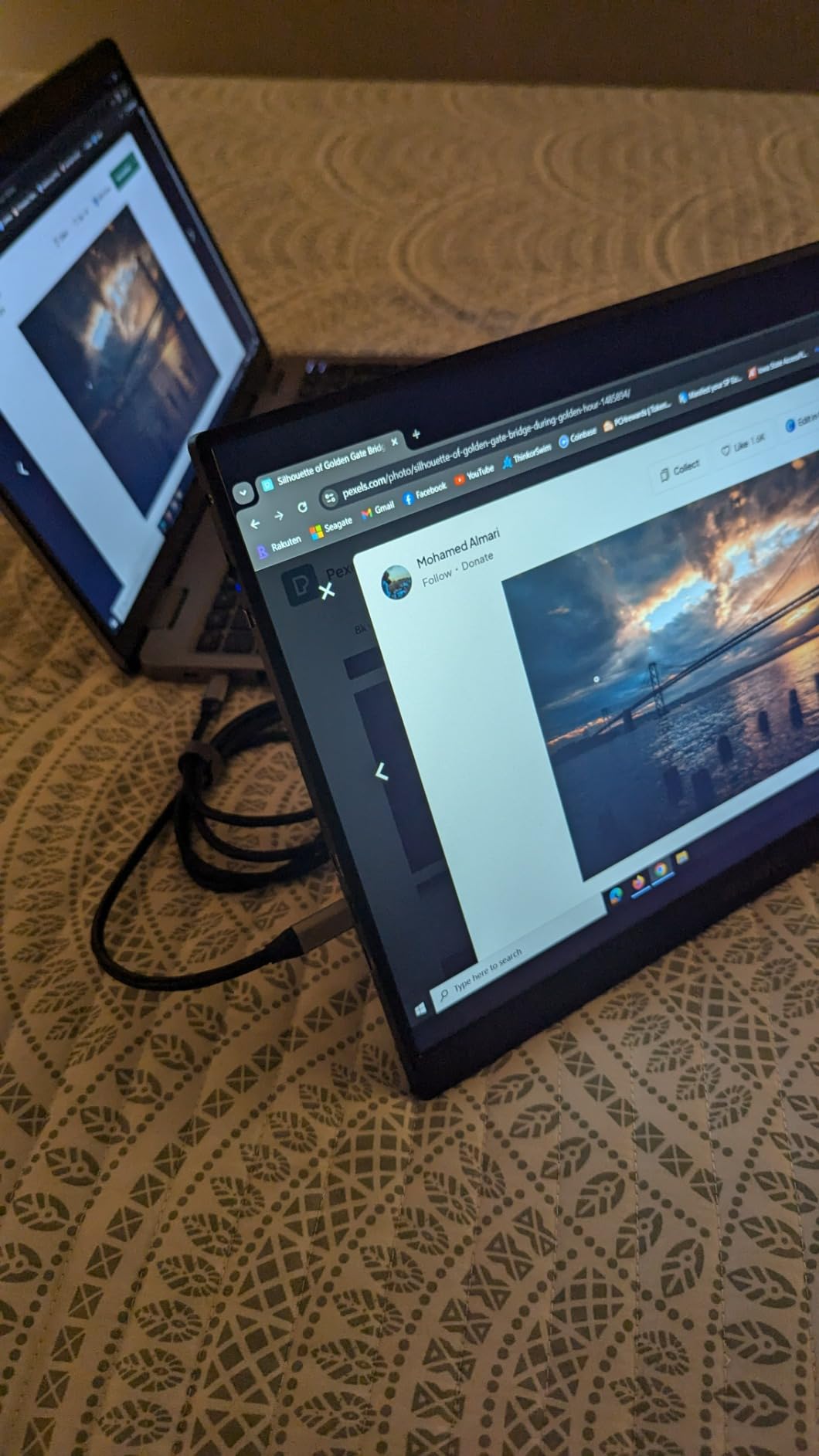
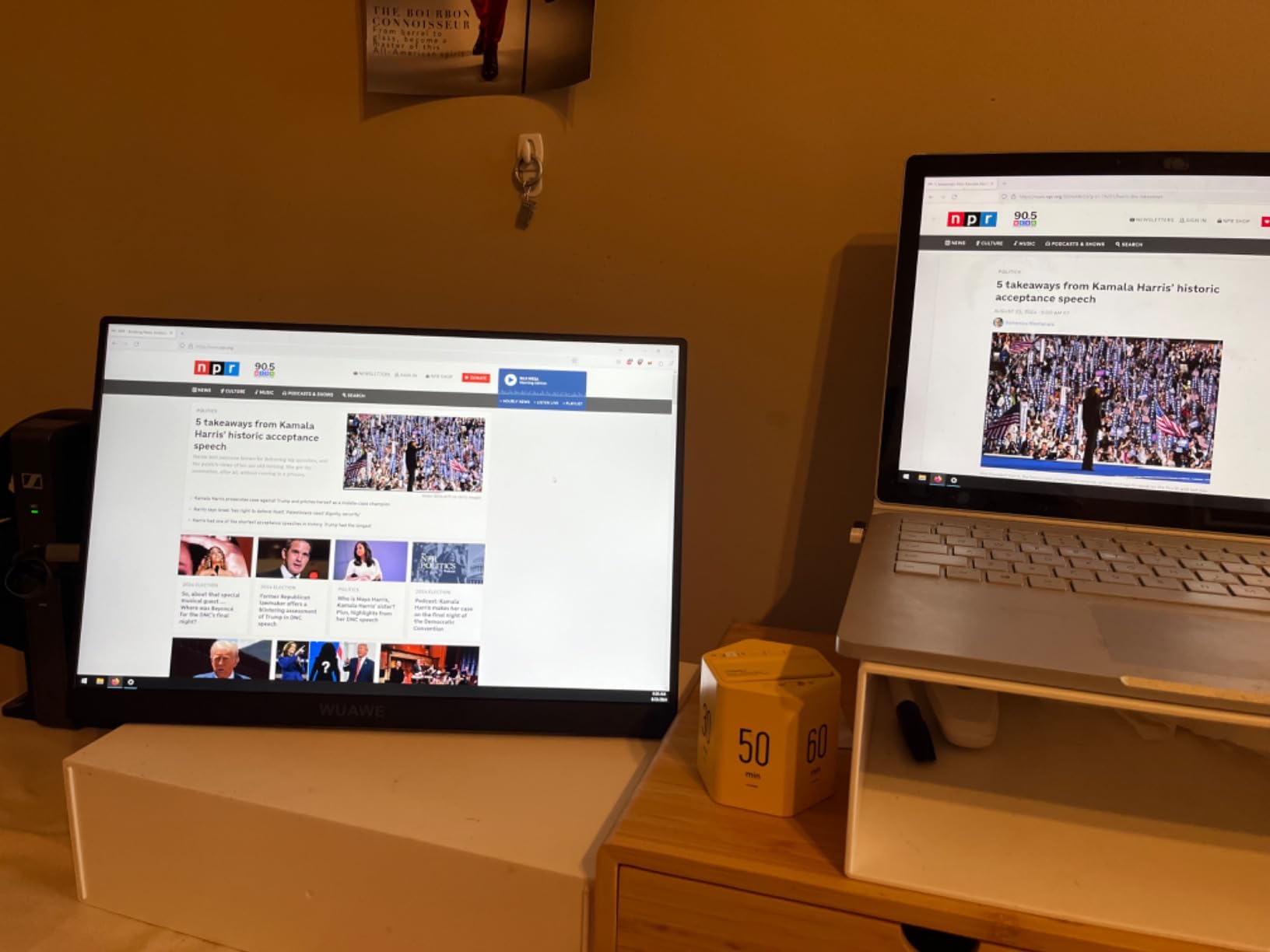
    Keep your work on one screen and your calls, notes, dashboards or references on the other.

  • Work from anywhere

    Carry a complete second-screen setup from home to hotels, cafes, coworking spaces and business trips.

  • Fast setup

    Connect, power and start working without a complicated desk setup or extra software for supported devices.

1 of 3

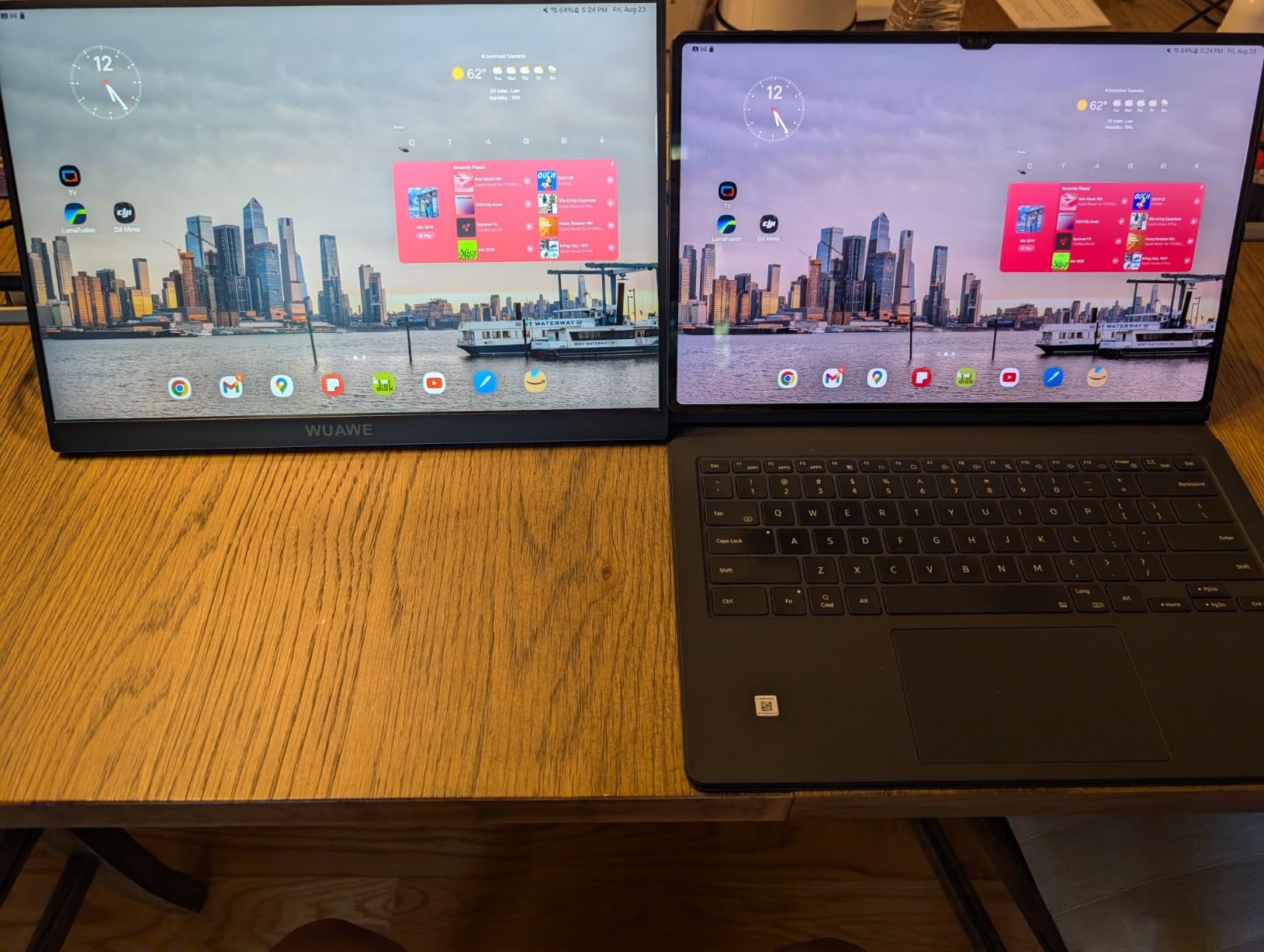
Laptop Only vs VIREXA Setup

More space for the work already on your laptop.

Get Portable Productivity
  Laptop only

Work and support tools visible together

Less tab switching during deep work

Portable setup for travel work

Plug-and-play setup for supported devices

Built-in adjustable kickstand

Clear compatibility guidance before buying

Michael T.
Michael T.
Verified
6/29/2026

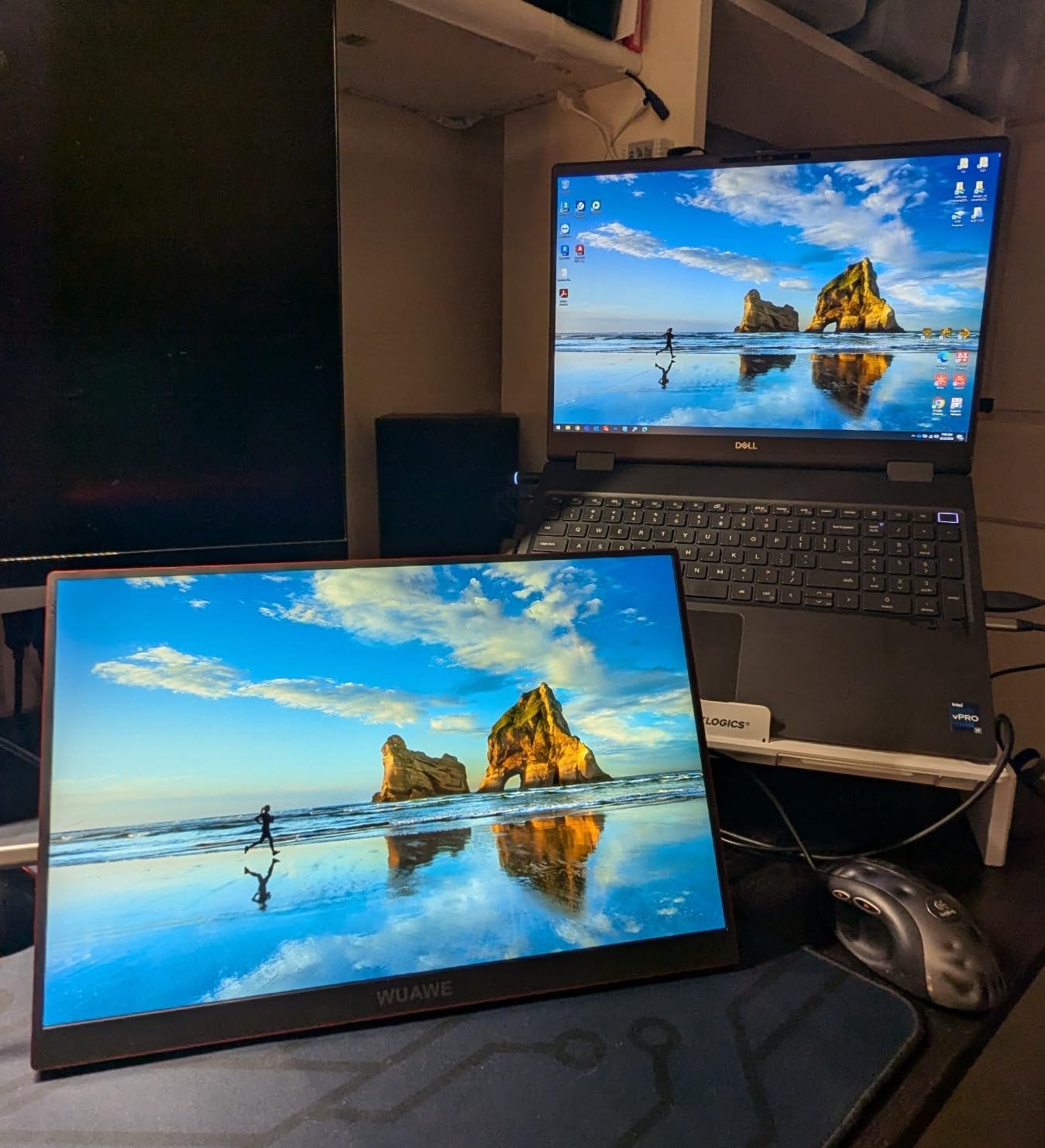
I work remotely several days a week, and this setup has made a huge difference. Having my emails on one screen and spreadsheets on the other keeps me focused without constantly switching tabs.
Ryan C.
Ryan C.
Verified
6/29/2026

I travel for work almost every week, and this monitor has become part of my backpack. It connects in seconds and makes working from hotels and airports much more comfortable.

Kevin L.
Kevin L.
Verified
6/29/2026

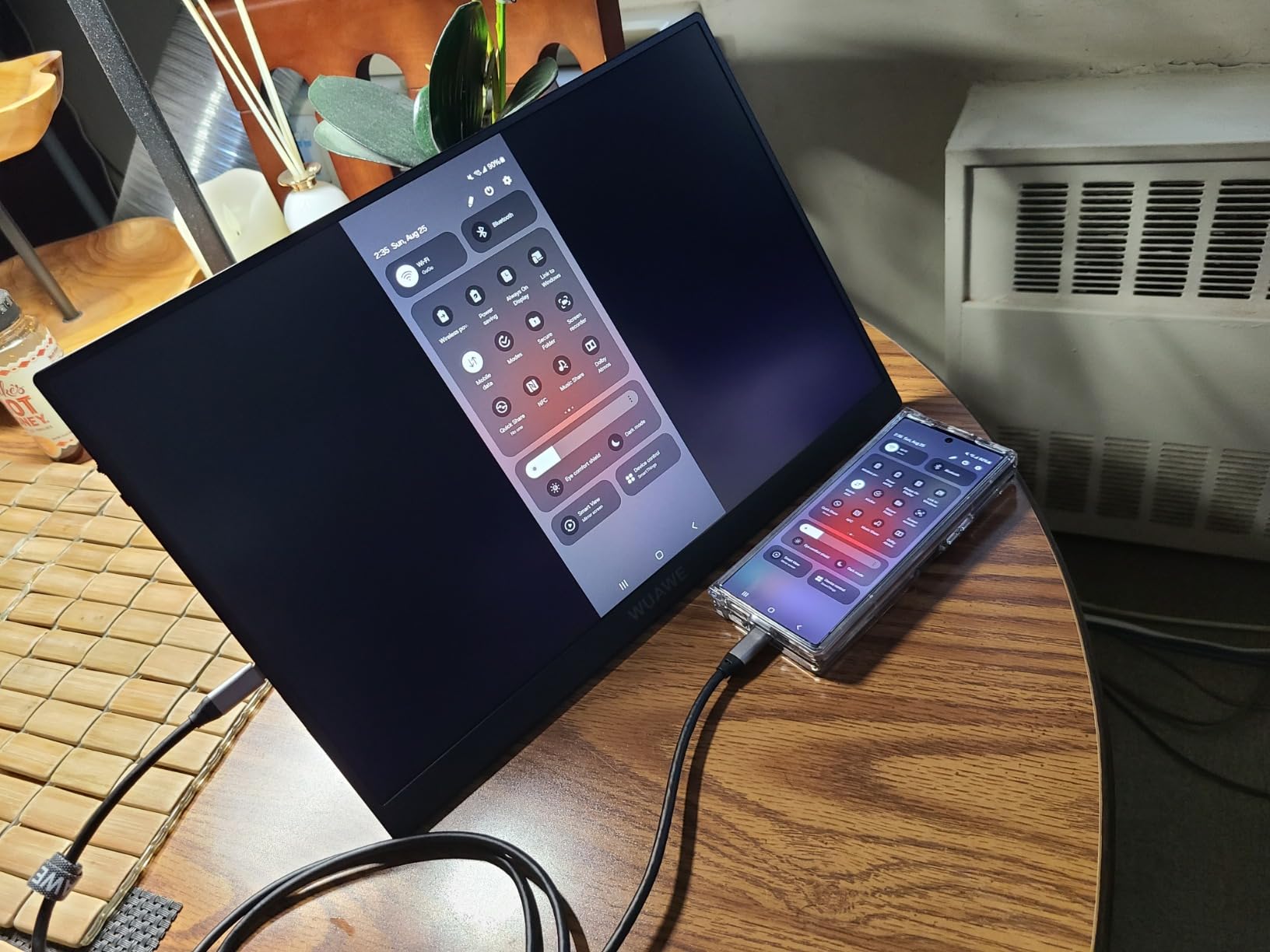
I was surprised that it worked perfectly with my phone. It's great for watching content, reviewing documents, and even answering emails when I'm away from my laptop.

Andrew H.
Andrew H.
Verified
6/28/2026

This has become my everyday setup. I keep my research on one screen and my work on the other, which helps me stay organized and finish tasks much faster.

Christopher M.
Christopher M.
Verified
6/28/2026

The built-in stand feels surprisingly sturdy. I've used it on my desk, at coffee shops, and while traveling, and it always stays stable.

Amanda S.
Amanda S.
Verified
6/27/2026

Everything I needed was included in the box. Setup took just a couple of minutes, and I didn't have to buy any extra cables.

Jason W.
Jason W.
Verified
6/26/2026

This feels like having a proper workstation wherever I go. Keeping my browser on one screen and my work on the other helps me stay focused all day.

Olivia C.
Olivia C.
Verified
6/26/2026

The kickstand is much sturdier than I expected. It stays in place, feels premium, and makes long work sessions much more comfortable.

Ethan B.
Ethan B.
Verified
6/25/2026

Working with two screens has completely changed my routine. I keep my emails and browser on one display while focusing on my main tasks on the other.

Rachel P.
Rachel P.
Verificada
6/24/2026

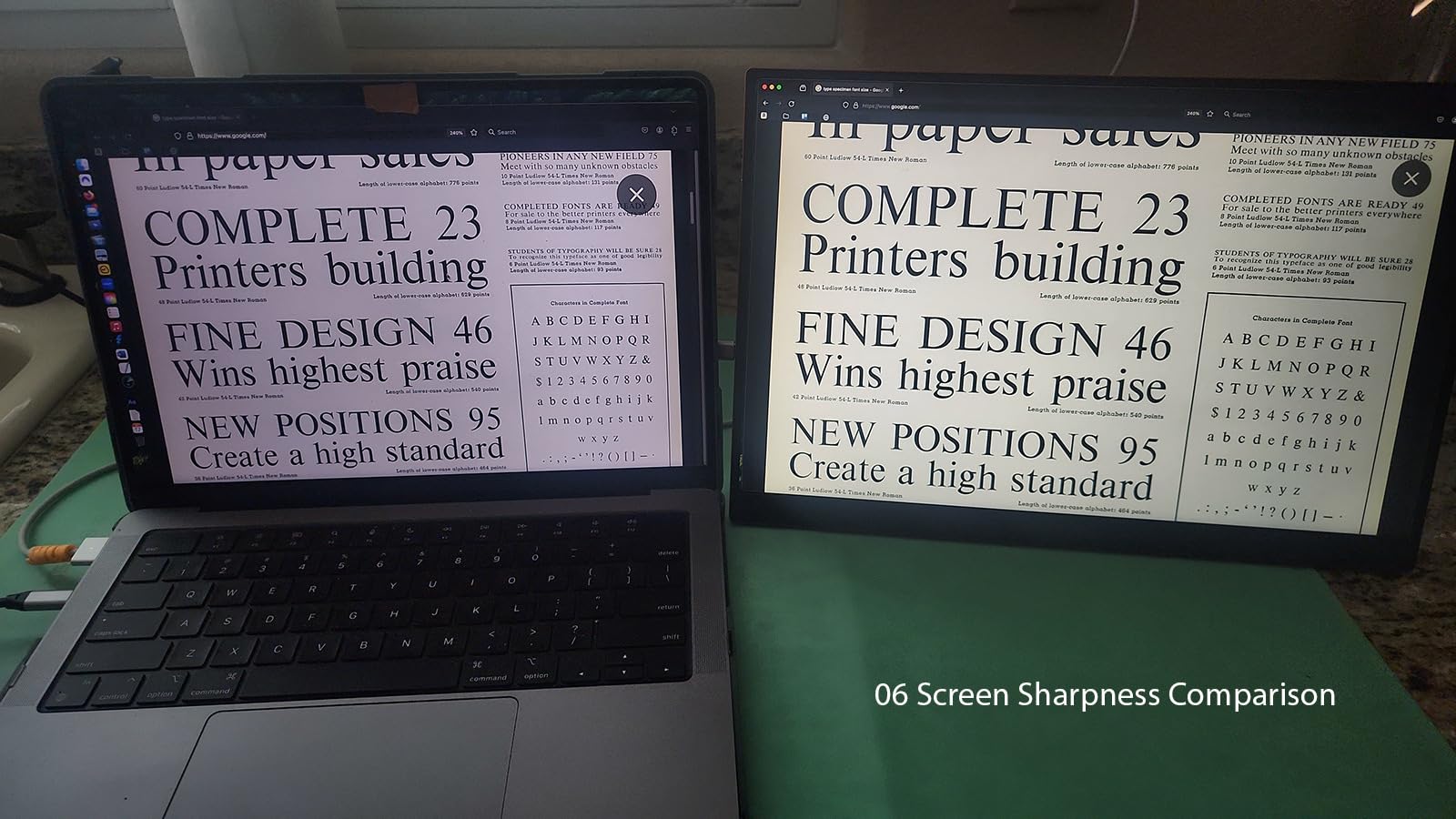
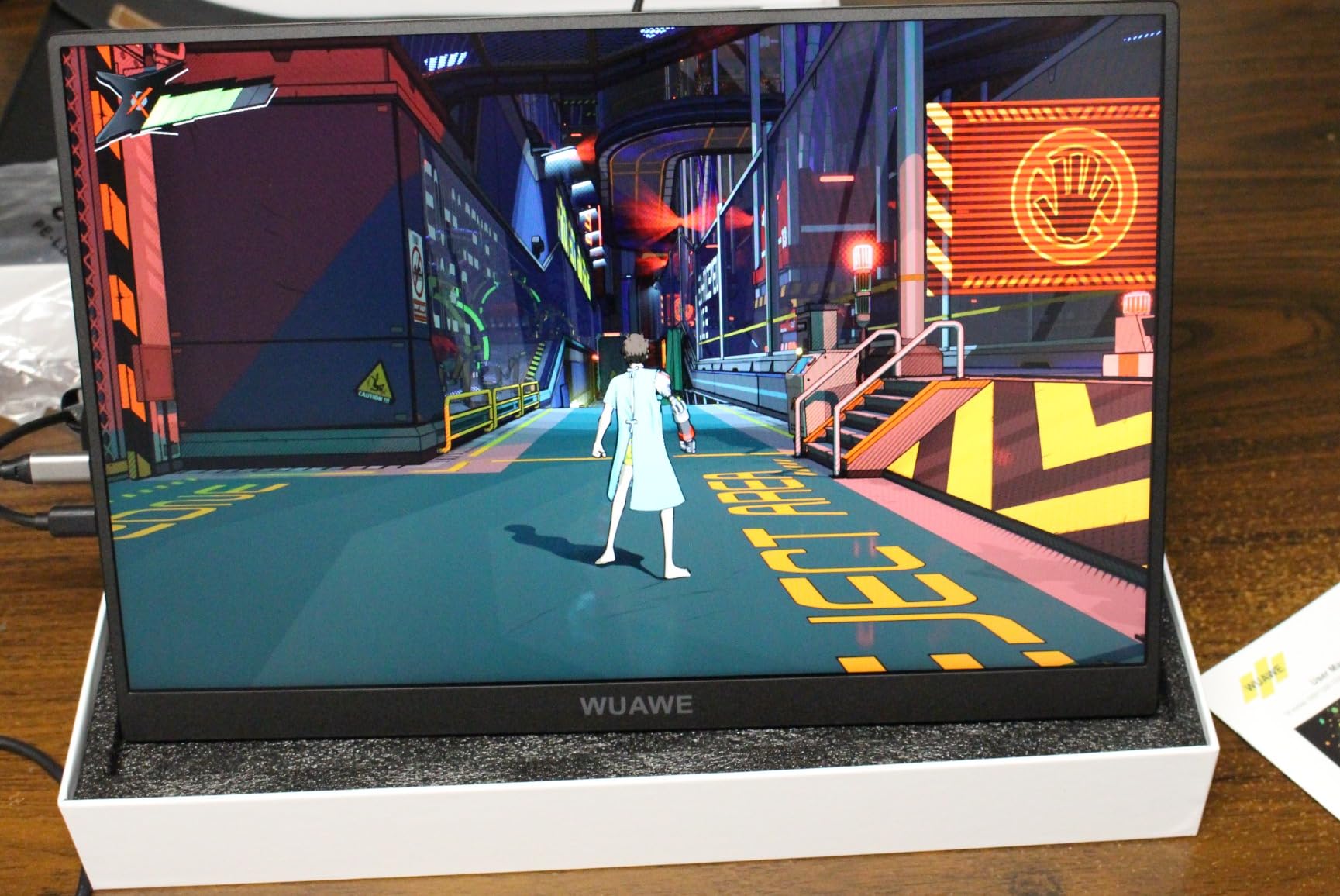
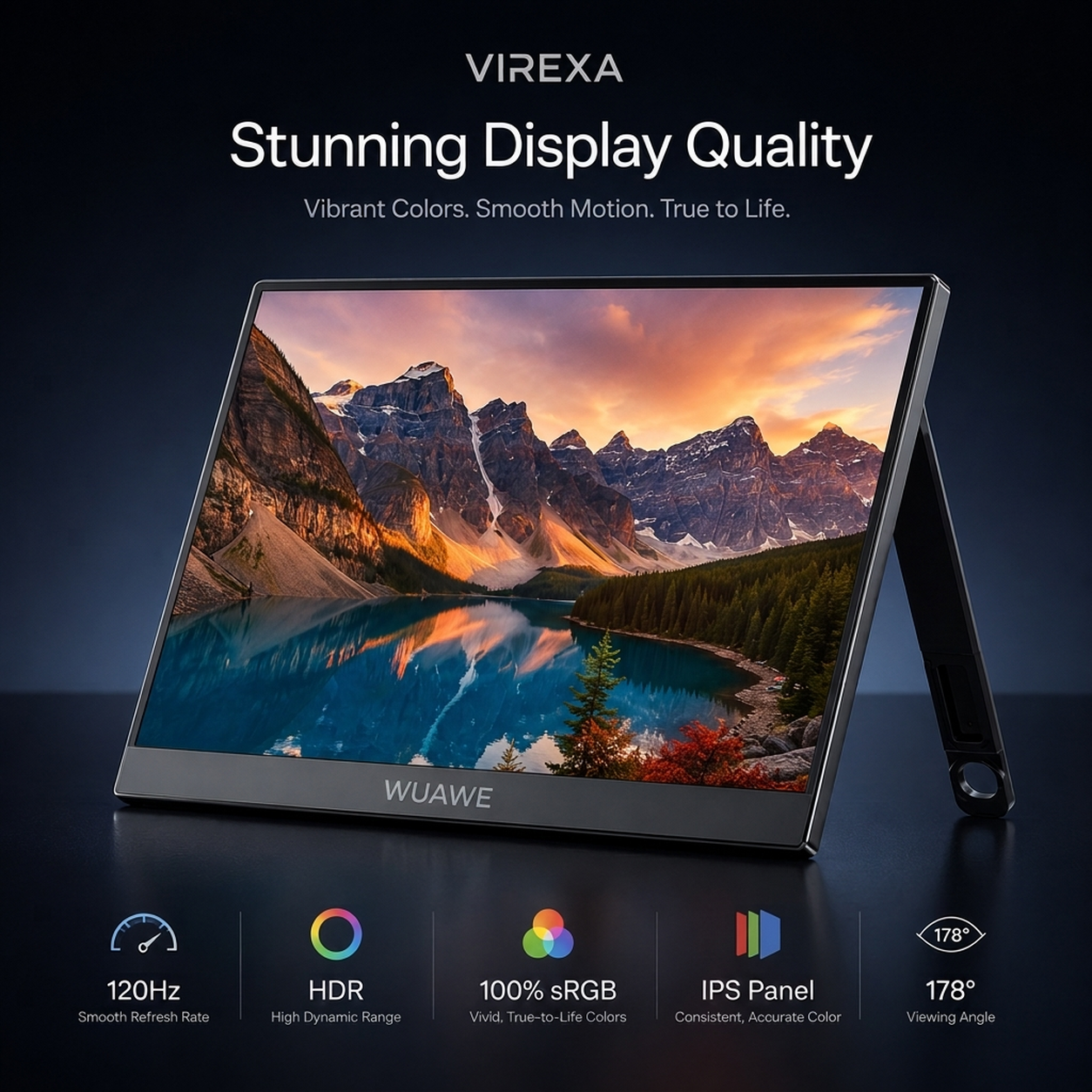
The display looks crisp, the colors are vibrant, and setup took less than a minute. It quickly became an essential part of my workspace.

Amanda K.
Amanda K.
Verificada
6/17/2026

Perfect for remote work. I keep my video calls on one screen and my notes on the other. My workflow feels much more organized and I stay focused throughout the day.

Marcus T.
Marcus T.
Verificada
6/16/2026

The slim design is what impressed me the most. It fits easily in my backpack, feels solid, and gives me the extra screen space I need whenever I'm traveling.

Rachel M.
Rachel M.
Verificada
6/15/2026

Having ChatGPT, my browser, and documents open at the same time has completely changed how I work. I stay focused and finish projects much faster.

Brian C.
Brian C.
Verified
6/23/2026

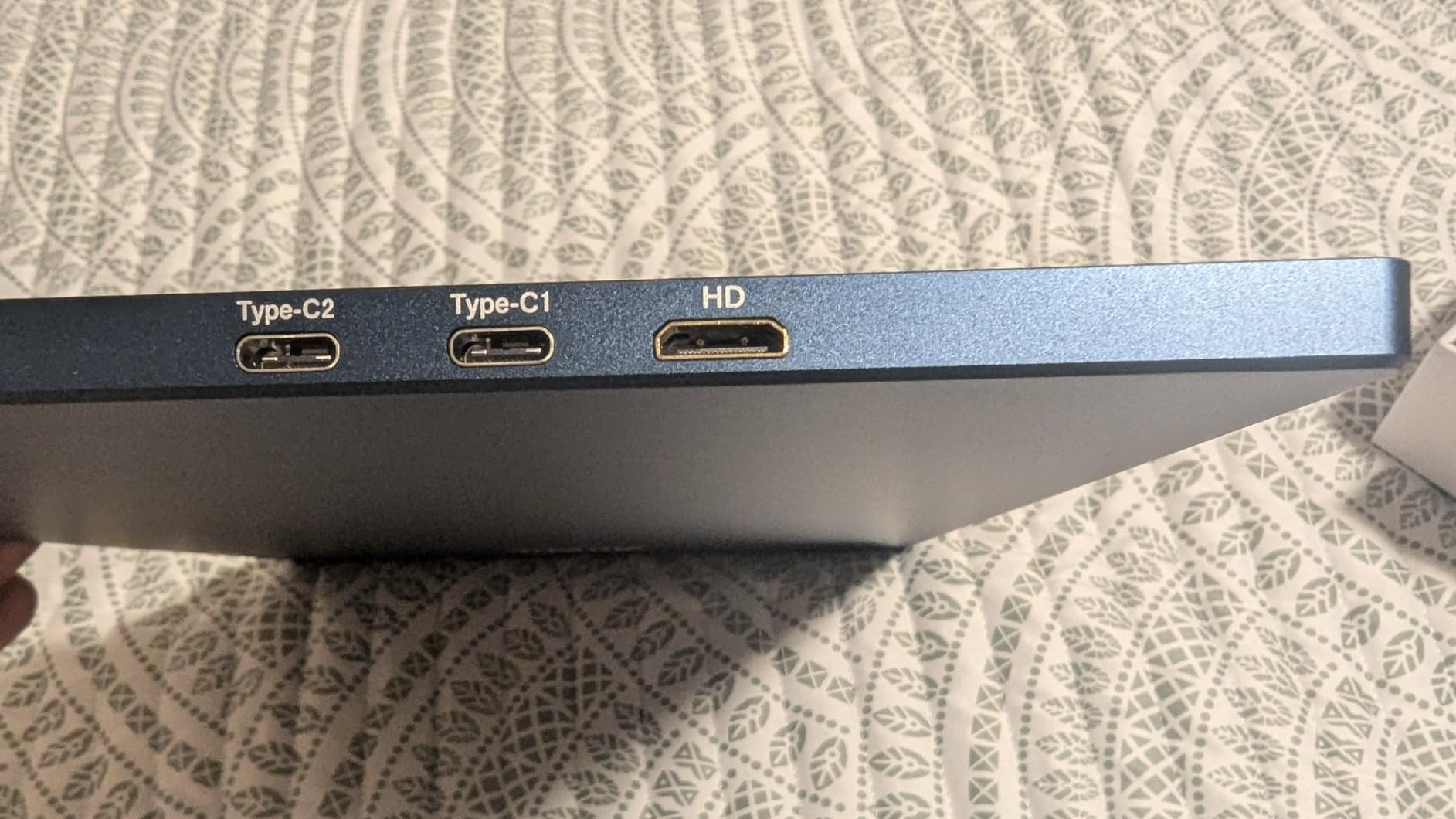
I was worried about compatibility, but it worked with my laptop right away. Having both USB-C and HDMI gives me the flexibility I was looking for.

Chris B.
Chris B.
Verificada
6/14/2026

I love that everything fits neatly into the carrying sleeve. It's easy to pack, protects the monitor well, and keeps all the cables organized for work on the go.

Emily S.
Emily S.
Verificada
6/13/2026

I thought setting it up would be complicated, but it took less than a minute. One cable, no drivers, and I was ready to start working.

Laura M.
Verified
6/28/2026

I bought it for my home office because one laptop screen was slowing me down. Now I keep my call on one screen and my notes on the other.

Chris B.
Verified
6/27/2026

The setup is simple. I plug it in, open my dashboard, and I can work without jumping between windows every few seconds.

Samantha W.
Verified
6/26/2026

Good screen and very useful for travel. I use it mostly in hotels when I need to answer emails and review spreadsheets.

Ethan P.
Verified
6/25/2026

I code from a laptop and this helps a lot. Editor on one screen, docs and terminal on the other. It feels much more organized.

Nina S.
Verified
6/24/2026

I was worried it would be complicated to connect, but it was straightforward. It makes remote work feel less cramped.

Robert K.
Verified
6/23/2026

I take it to coworking spaces twice a week. It is easier than carrying a big monitor and it gives me the extra space I need.

Megan A.
Verified
6/22/2026

The monitor is clean and portable. I mainly use it for email and Slack while my main work stays on my laptop.

Jason F.
Verified
6/21/2026

This is the first portable monitor I actually kept using. It is light enough to pack and makes my laptop setup feel complete.

Priya N.
Verified
6/20/2026

Perfect for client calls. I keep the meeting open on one screen and the proposal or notes on the other.

Daniel H.
Verified
6/19/2026

I work with reports all day. Having one more screen makes checking numbers and writing notes much easier.

Emily R.
Verified
6/18/2026

Very useful for working from coffee shops. The screen looks sharp and the stand feels stable enough for daily use.

Matt G.
Verified
6/17/2026

It saves me from constantly resizing windows. I did not realize how much time I was losing on one screen.

Olivia C.
Verified
6/16/2026

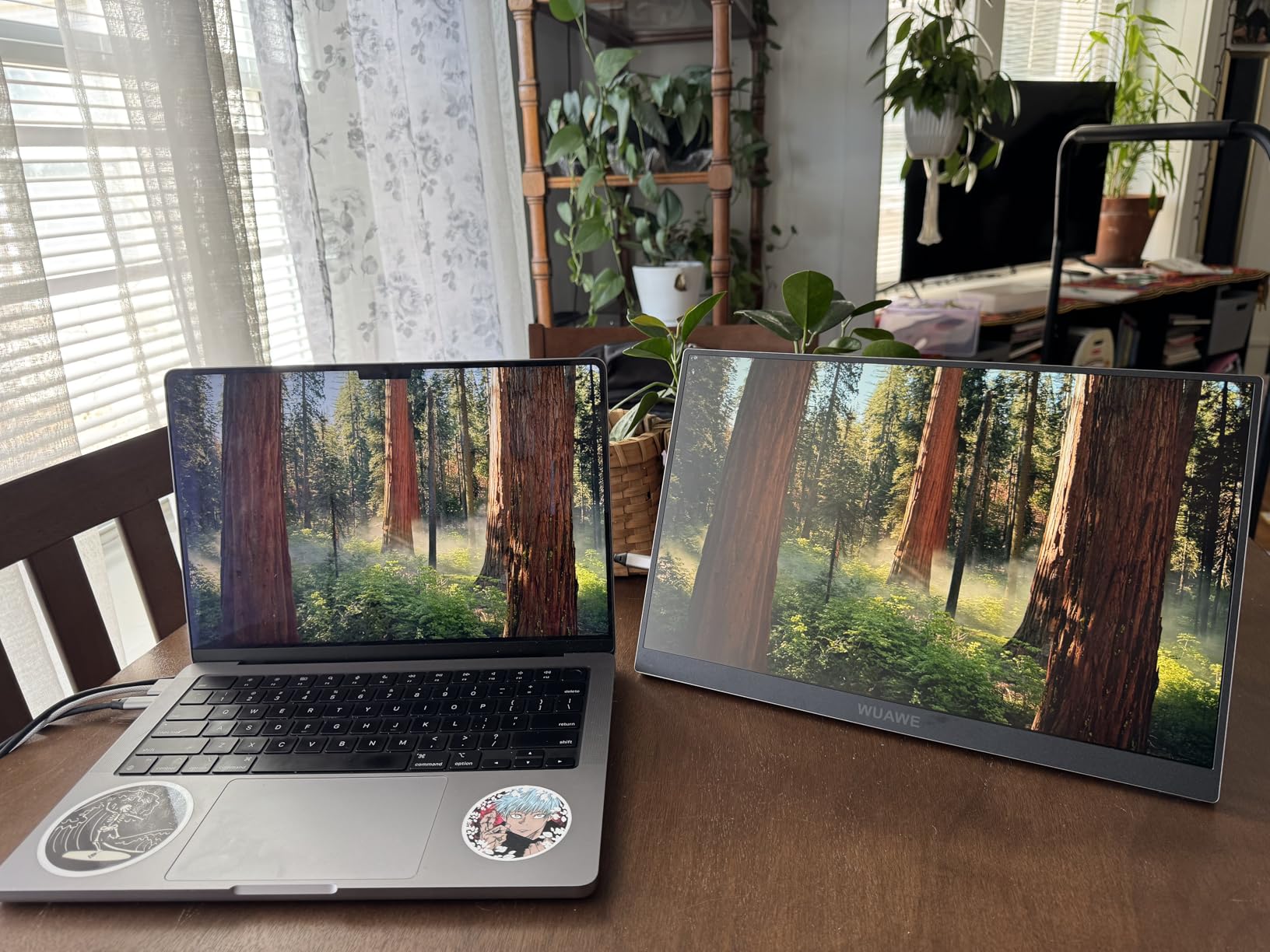
I use it with my MacBook for remote work. Calls, calendar, and notes stay visible while I focus on my main task.

Victor L.
Verified
6/15/2026

Bought it for business trips. It fits in my bag and makes hotel desk work much easier.

Grace T.
Verified
6/14/2026

Good portable screen. I use it for spreadsheets and research. It makes multitasking feel less messy.

Andrew P.
Verified
6/13/2026

The best part is not having to switch tabs all day. Everything I need stays open.

Rachel D.
Verified
6/12/2026

My work laptop finally feels like a real workstation. I keep chat and references on the second screen.

Ben S.
Verified
6/11/2026

Useful for sales calls and follow-up notes. It makes a small laptop setup feel much more professional.

Carla J.
Verified
6/10/2026

I like it for working from home and moving between rooms. The setup is quick and the extra screen helps.

Tyler M.
Verified
6/9/2026

I use it for dashboards and docs. It keeps my laptop screen clean so I can focus on the main work.

Hannah E.
Verified
6/8/2026

Simple, portable, and genuinely helpful. I use it almost every day for remote work.

Noah B.
Verified
6/7/2026

I expected to use it only when traveling, but now it stays on my desk most days.

Isabella F.
Verified
6/6/2026

Works well for my laptop setup. It is especially helpful when I need notes and a video call open.

Marcus N.
Verified
6/5/2026

For freelance projects, this makes a big difference. Brief on one screen, work on the other.

Before you buy

Compatibility and setup questions

Will it work with my laptop?

VIREXA works with laptops that support external displays through USB-C video output or HDMI. For one-cable USB-C setup, your laptop must support DisplayPort Alt Mode.

Does it work with MacBook and Windows?

Yes. VIREXA is compatible with supported macOS and Windows devices. It can also work with Linux and supported USB-C tablets or phones that output video.

Do I need drivers or software?

No drivers or software are required for supported devices. Connect, power and choose your display mode from your device settings.

Can I use it with one USB-C cable?

Yes, if your device supports USB-C video output and can provide enough power. If not, use the HDMI setup with additional power when needed.

What is included in the box?

VIREXA portable monitor, two USB-C cables, Mini HDMI cable, USB-A to USB-C cable, power adapter and user manual.

Is it easy to travel with?

Yes. The slim aluminum body and integrated adjustable kickstand make it easy to pack, carry and set up from a hotel, coworking space, office or home desk.

Can I use portrait and landscape mode?

Yes. VIREXA supports landscape, portrait, duplicate, extended and second-screen display modes when configured through your device display settings.

What warranty is included?

VIREXA includes 12-month warranty coverage and customer support for setup, compatibility and product questions.